TorForge

TorForge

We build automation, software, and workflows for people who want technology to work for them.

Scroll

What we do

We build automation, software, and workflows for people who want technology to work for them.

Our clearest depth is in three areas: automation, web scraping, and software development. Those are anchors, not boundaries.

Most work starts as a description rather than a specification. Someone explains what is slow, what breaks, or what they copy between two systems every week. We listen to that description, work out what the real need is, and build something dependable around it. You do not need to arrive knowing the solution, or the vocabulary.


Selected work and recent writing

Selected work

All projects
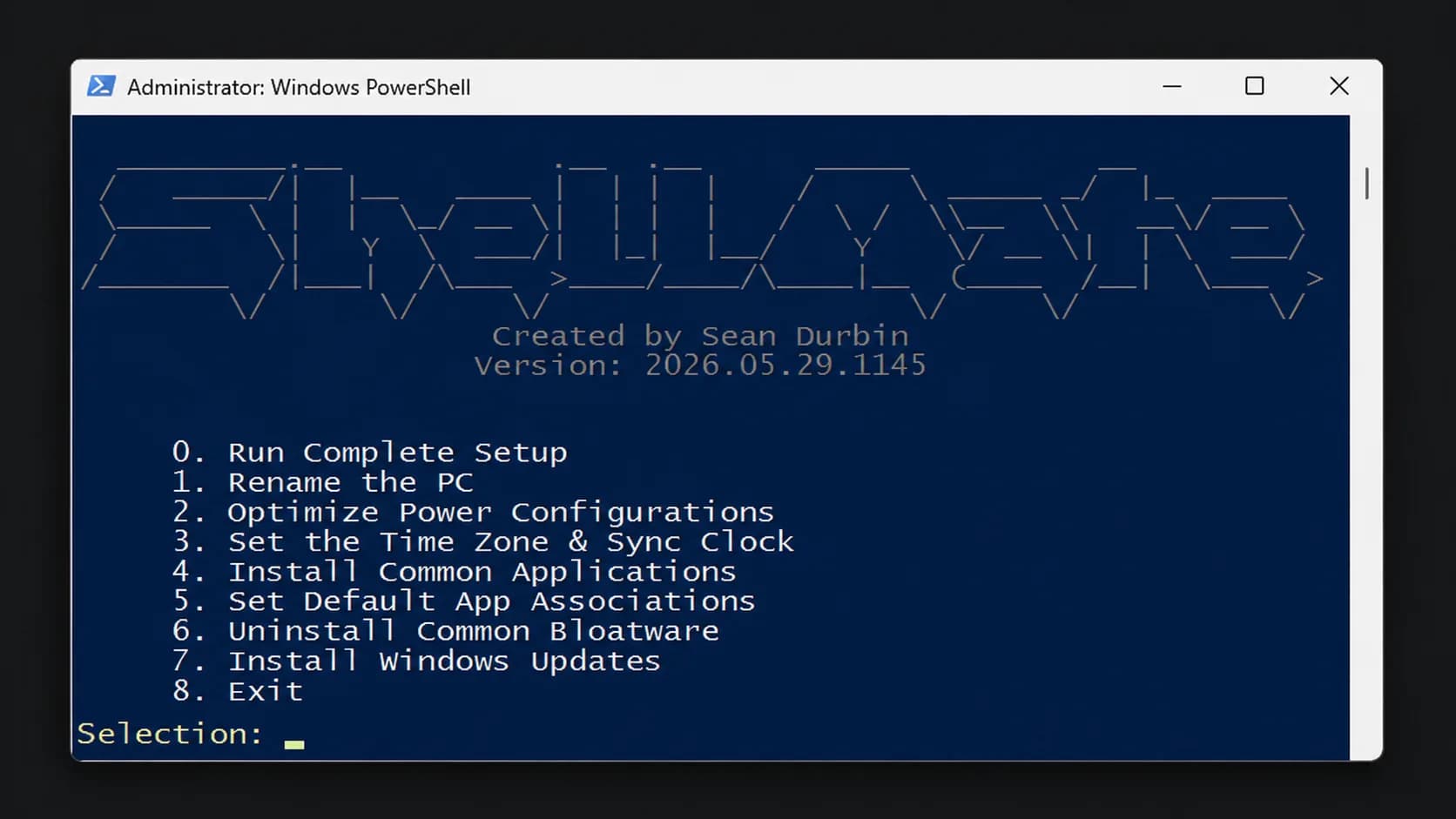
  • ShellMate - Main Menu
    Case studymaintained

    ShellMate

    A PowerShell-based workstation onboarding toolkit that standardizes and automates repetitive device provisioning tasks for MSP technicians.

    OutcomeShellMate evolved from a personal workflow improvement into the standard workstation onboarding tool used by the technician team. Since April 2025, it has been used in more than 700 device configurations and counting, replacing a collection of repetitive manual setup tasks with a consistent, guided workflow. Based on estimated manual execution times for the tasks ShellMate automates, each deployment avoids approximately 60–75 minutes of active technician work. Across the more than 700 device configurations completed so far, that represents an estimated 700–875 technician hours redirected away from repetitive setup work, with the total continuing to grow as ShellMate remains in use. Beyond the time savings, ShellMate standardized how workstations are prepared across the team, reduced opportunities for configuration steps to be missed, and made the onboarding process easier to execute consistently across technicians.
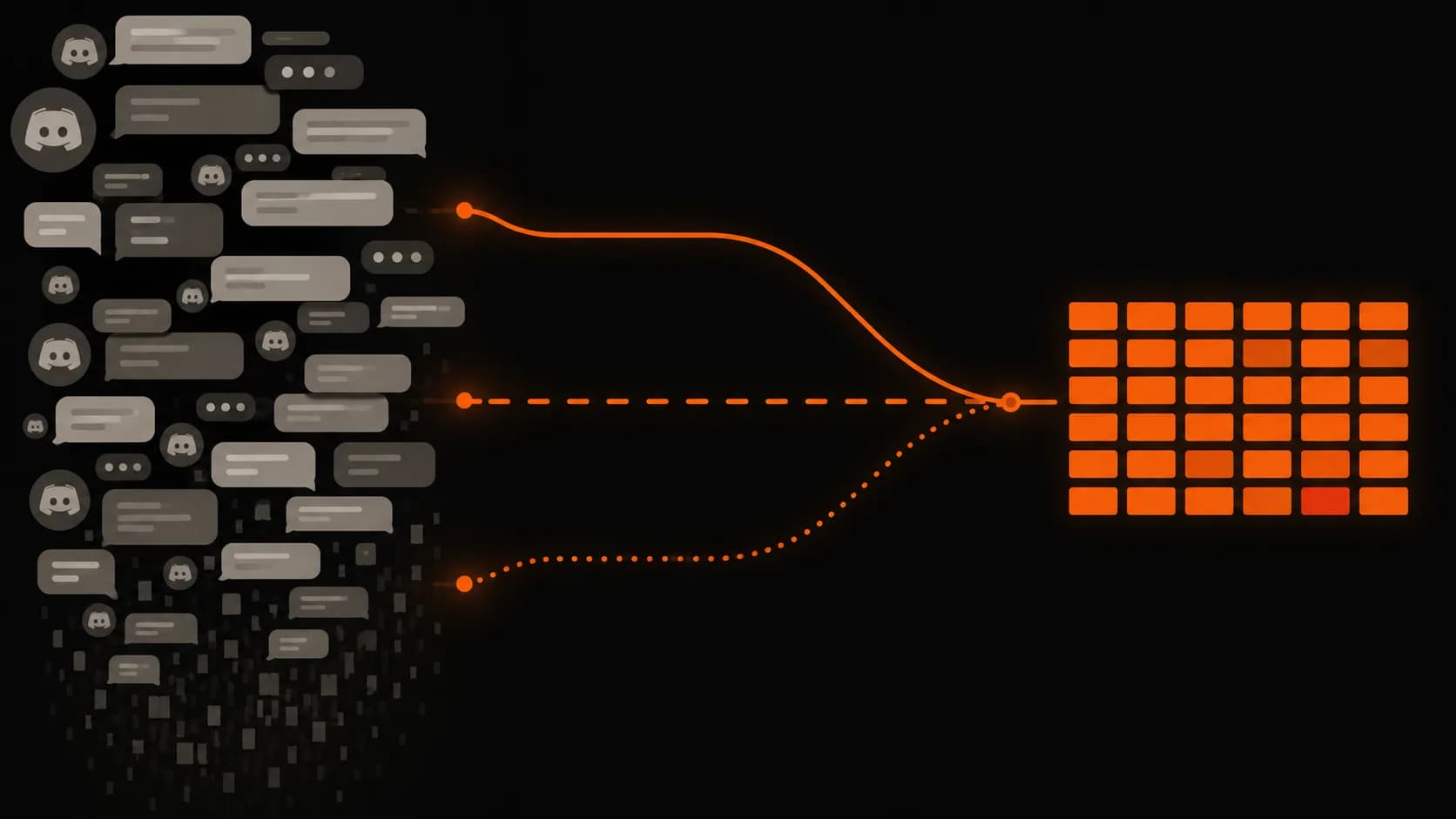
  • Abstract illustration showing a chaotic Discord-like chat stream of overlapping message bubbles and icons dissolving downward on the left, with three orange data paths converging into a clean, structured grid on the right against a dark background.
    Case study

    Restock Hunting: From a Discord Alert to a Completed Order

    During COVID shortages I built a chain of small tools: read deals posted in a Discord channel, locate what I wanted, open only those links automatically, and let a browser script check out if the price was right.

    OutcomeThe end result was a system I could leave running instead of constantly watching Discord and hoping I noticed the right alert in time. The historical analysis pulled 7,186 unique product identifiers from the exported channel data. Of those, 6,556 were enriched with a full category path, while the remaining 630 still had enough information to keep as partial records. That gave me a structured dataset I could sort and filter down to the components I actually cared about. Once those targets were defined, the live automation handled the time-sensitive part. Relevant alerts could be identified and opened immediately, while everything else was ignored. From there, the Tampermonkey script could complete checkout automatically as long as the product and price matched the rules I had already set. The biggest improvement wasn't any single script. It was removing human reaction time from the process. Instead of needing to monitor Discord at exactly the right moment, I could decide what I wanted ahead of time and let the tools handle the repetitive steps between an alert appearing and an order being placed. The project also ended up being a useful lesson in building automation incrementally. Each stage solved one bottleneck and exposed the next, eventually turning what started as a simple attempt to find PC parts into a complete data extraction and purchasing pipeline.

Recent writing

All articles
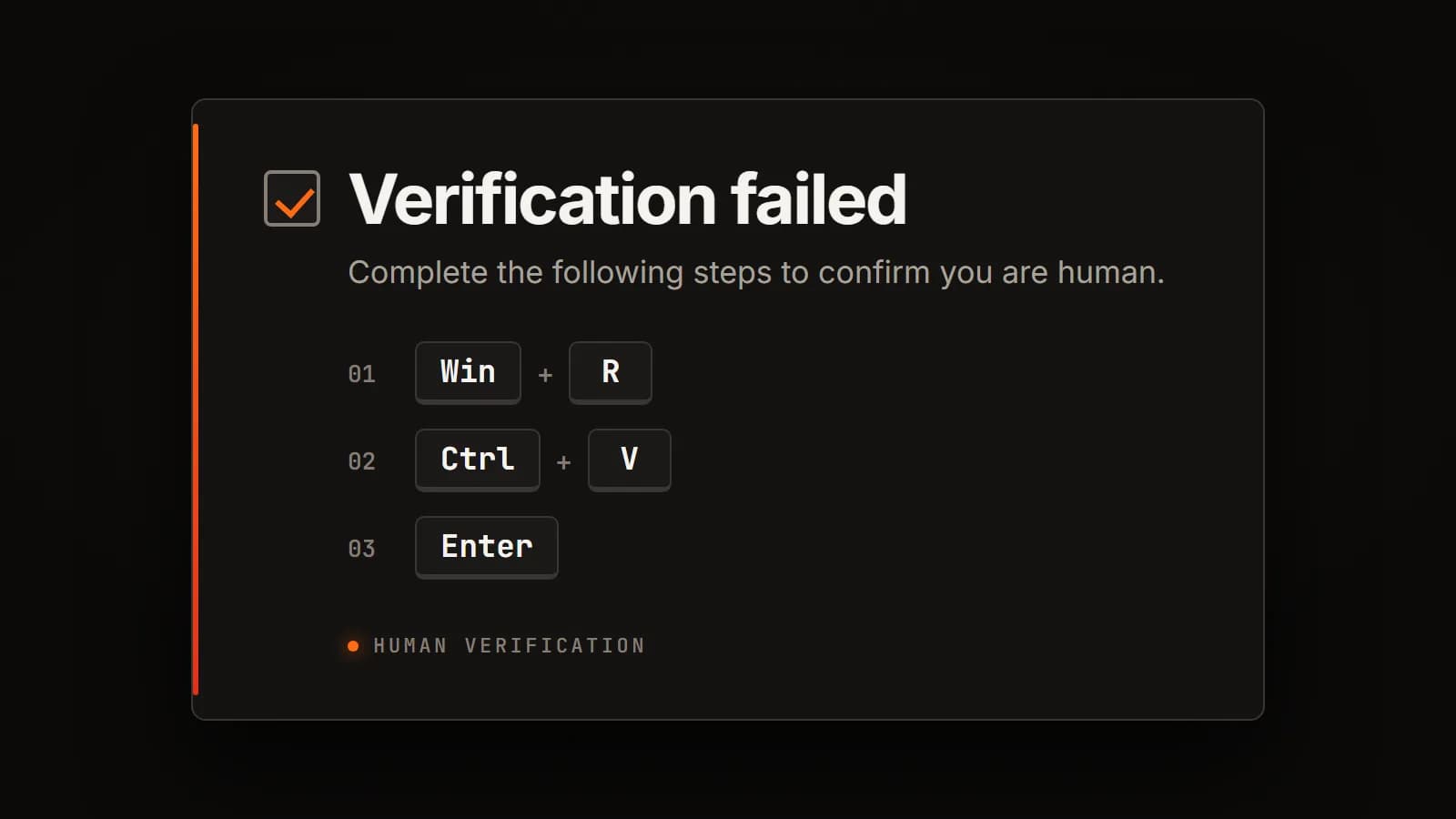
  • A fraudulent "Verification failed" prompt instructing the visitor to press Win and R, then Ctrl and V, then Enter.
    Article

    ClickFix: The CAPTCHA That Asks You to Press Windows + R

    A website tells you that you failed a human verification check, then hands you three keystrokes to fix it. They open the Run dialog and run a command the page had already placed on your clipboard.

Got something slow, manual, or held together by hand?

A defined project is welcome. So is a half-formed description of something that keeps going wrong. Both are useful starting points.

Start a conversation